

Vision Boards: Your Budget-Friendly Guide to Goal Setting (Physical & Digital)
Dreaming big doesn’t have to cost a lot of money. A vision board can help you stay focused on your goals while being kind to your wallet. Whether you prefer cutting and pasting or clicking and dragging, we’ll show you how to create a powerful visual reminder of your dreams without breaking the bank.

What’s a Vision Board (And Why Should You Care)?
Think of a vision board as your roadmap to success. It’s a collection of images and words representing your goals, from saving for a house to starting a side business. By seeing your goals daily, you’re more likely to make choices that align with them.
Your brain responds strongly to visual cues, which makes vision boards effective tools for goal-setting. By seeing your goals represented visually each day, you train your mind to spot opportunities that align with them.
Creating a Physical Vision Board
A physical vision board gives you a hands-on, creative experience. The act of physically cutting and arranging images can help you process your goals more deeply. Plus, you probably already have most of the supplies at home.
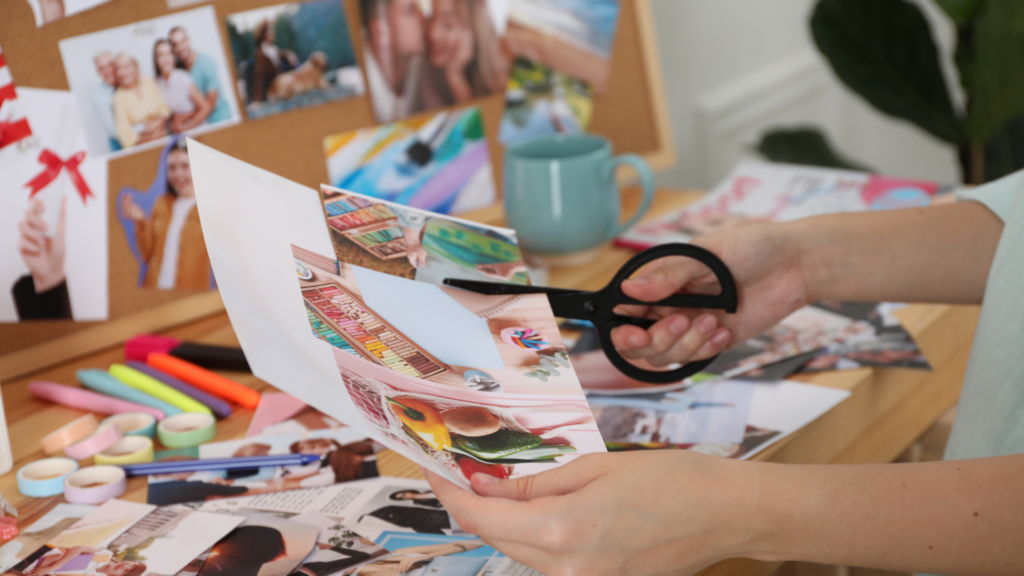
What You’ll Need:
- Poster board or cardboard (reuse a shipping box!)
- Magazines (ask friends or check your local library)
- Scissors
- Glue stick
- Markers
- Optional: photos and quotes printed from online
- Optional: washi tape, stickers, or decorative paper
Free and Low-Cost Supply Sources:
- Use junk mail catalogs for images
- Print photos using your home printer
- Check dollar stores for basic supplies
- Ask neighbors for old magazines on local buy-nothing groups
- Save greeting cards and postcards for inspiring images
- Collect paint color samples for backgrounds
- Save tissue paper from gifts for texture
- Keep pretty packaging from products you buy
Steps to Create Your Board:
Start by gathering your materials and finding a quiet spot to work. Flip through your magazines and cut out anything that catches your eye—don’t overthink it at first. Look for images and words that represent your goals.
Sort your cutouts into categories like career, home, health, relationships, and finances. This will help you identify key life areas you want to include. Before gluing, try different arrangements to find the most pleasing layout.
Group similar items together before gluing them down. This helps create a clean, organized look that’s easier to focus on. Leave some white space between images to keep your board from looking cluttered. You can also consider creating mini-sections for different life areas.
Add your own personal touches with handwritten quotes or goals. Write powerful “I am” statements or your favorite motivational quotes. These personal elements make your board unique and more meaningful.
Consider adding a timeline section if you have specific goal dates in mind. You might create a “90-day goals” corner or a “5-year vision” section. Just be sure not to make it feel overwhelming.
Making a Digital Vision Board (Free Options)
Digital vision boards are perfect if you’re short on space or want to keep your goals private. They’re also easy to update as your dreams evolve, and you can create multiple boards for different areas of your life.

Free Tools to Use:
- Canva (free version)
- Use the “Mood Board” templates
- Access millions of free photos
- Easy drag-and-drop interface
- Save multiple versions
- Google Slides
- Completely free
- Easy to share and collaborate
- Unlimited boards
- Simple to update
- Pinterest private boards
- Huge image library
- Automatic suggested content
- Mobile-friendly
- Easy categorization
- Your phone’s photo collage features
- Always accessible
- Quick to update
- Built-in editing tools
Digital Creation Steps:
Choose your platform based on what you already use. If you’re familiar with Pinterest, start there. If you want more control over the layout, try Canva’s free templates. Google Slides is perfect for creating a presentation-style board.
Save images from free photo sites like Unsplash or Pexels. Create folders on your computer to organize images by theme – career, home, health, etc. Download inspiration when you find it so you have an image library ready to use.
Try different layouts until you find one that feels right. Digital boards can be changed easily, so don’t worry about making it perfect the first time. Mix photos with text, and play with different fonts and colors.
Save your work frequently and keep backup copies. Consider making several different versions—maybe a detailed board for your computer and a simpler one for your phone background.
Making Your Vision Board Work for You
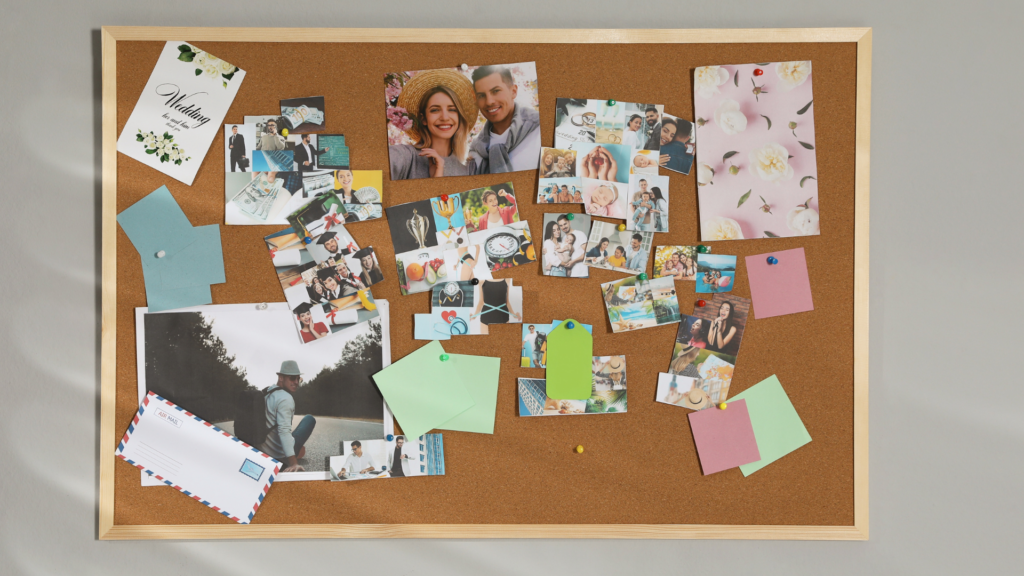
Place your physical board where you’ll see it daily – maybe next to your coffee maker or on your closet door. For digital boards, set your creation as your phone’s wallpaper or computer background. Some people even take a photo of their physical board to use as their phone background.
Review your board weekly. Spend a few minutes thinking about what steps you can take toward each goal. Small actions add up to significant changes over time. Try setting a regular “vision board check-in” time, like Sunday evenings.
Take photos of your progress toward goals and add them to your board. This will serve as a powerful reminder that you’re moving forward. Keep a small journal near your physical board to jot down ideas and progress.
Update your board as needed. As you achieve goals or your dreams shift, refresh your board to match your current path. This keeps your vision board relevant and motivating. Plan to review and potentially update your board every three months.
Money-Saving Tips for Vision Board Success
- Host a vision board party where everyone brings materials to share
- Use digital tools’ free features instead of paying for premium versions
- Save inspiring images from free email newsletters
- Take photos of things that inspire you instead of buying magazines
- Join online communities to swap vision board materials
- Follow budget-conscious creators on social media for free printables
- Check your library for free printing services
- Use smartphone apps to scan and digitize physical images
Final Thoughts on Vision Boards
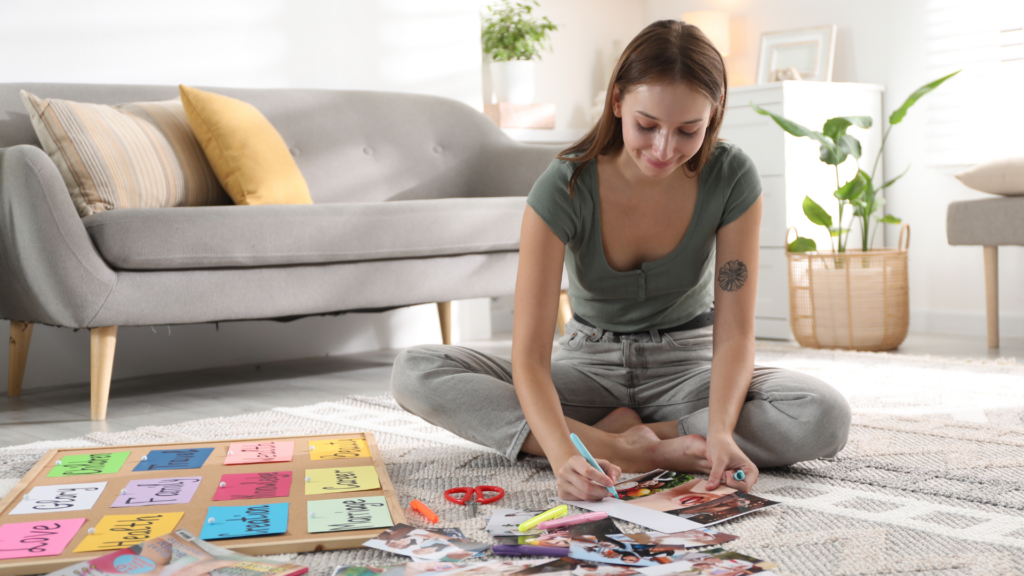
Vision boards work because they turn abstract dreams into concrete visuals. You don’t need fancy supplies or expensive tools to create something meaningful. What matters is that your board speaks to you and motivates you to take action.
Start simple and let your board grow with you. Some of the most powerful vision boards begin with just a few key images. Your board might look different from someone else’s, and that’s exactly how it should be. After all, these are your dreams we’re talking about.
Remember, a vision board isn’t magic – it’s a tool that helps you focus and stay inspired. Pair it with action steps, and you’ve got a recipe for turning those dreams into reality. Grab those supplies you already have, and start creating your roadmap to success.